



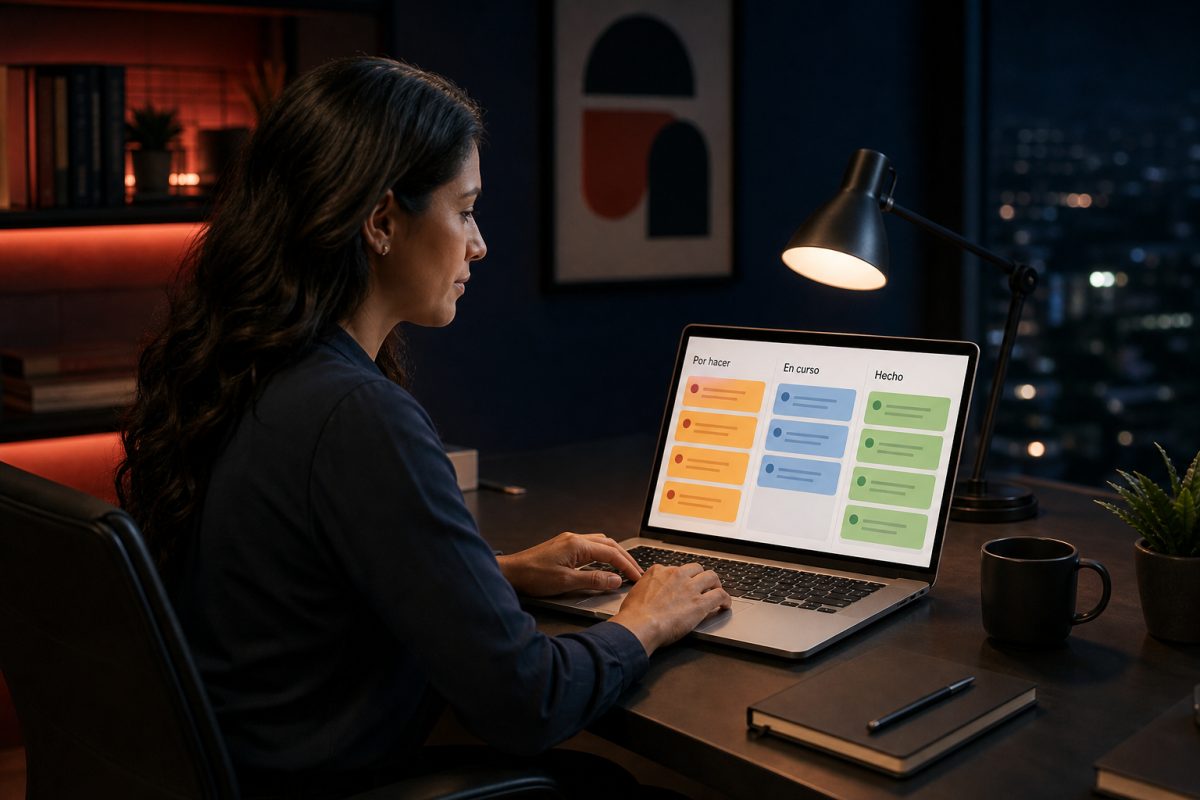
The idea is straightforward: you see the work. You drag it. You close it. Minitasks is designed for individuals and small teams who want a useful Kanban board, not a platform full of menus.

A visible board reduces the anxiety of "I have a thousand things to do": every pending task has a place.
Productivity apps fail when they demand more time than they save. Minitasks aims for the opposite: log in, see the board, and get started . This makes it a good tool for anyone who already works—freelancers, small agency staff, in-house operators—and doesn't want another system that needs to be "implemented."
A good tool isn't the one with the most buttons. It's the one you use on a Tuesday at 11 a.m., when clients are waiting. Minitases fits perfectly at that moment: Kanban-style boards, Google login, and an interface that doesn't compete for your attention.
Compared to massive task management suites, Minitaseas wins in a metric that almost no one measures: time to the first useful board . There's no 14-step onboarding or a forest of automations on day one. There are columns, cards, and movement. That's enough for 80% of actual tasks.
Minitasks fits perfectly when work is organized into a visual workflow: to do, in progress, done—or any columns you define. It's useful for the designer managing three brands simultaneously, the developer breaking a project down into deliverables, and the coordinator who needs to see roadblocks without opening ten spreadsheets.
It's not meant to replace an ERP or a six-month Gantt chart. It's meant to bring visible work out of the shadows . That honesty of scope is part of why it's a good tool: it doesn't promise magic, it promises order.

Scenario 1: A freelancer separates clients into columns and stops mixing outstanding items in the same notebook.
The typical freelancer doesn't fail for lack of talent. They fail because the work for brand A gets mixed up with that of brand B and with "my own stuff." A personal board cuts through that knot. One column per client, or one board per project, transforms vague guilt ("I should be more organized") into a moving list.
Minitasks are helpful here because they don't force you into a different method. If your workflow is Quoted / In Design / Under Review / Delivered, you set it up that way. If you prefer Today / This Week / Parking Lot, that works too. The tool is good when it adapts to how you already work, not when it completely redesigns your life.
Accessing with Google eliminates another classic source of friction: creating an account, confirming email, remembering a password. On a deadline day, that friction is enough to send you back to your notebook. Minitasks removes that excuse. You log in and the board is there.
In a small team, meetings often devolve into "What's the status?" A shared board changes the question: it shows the current status . Minitasks don't replace conversation; they provide a common goal. Someone points to a stuck card, the next step is decided, and progress is made. The meeting is shorter because the status isn't reconstructed from memory.
This also protects those who work quietly. If progress is evident, there's no need to shout about productivity. A good task management tool reduces the theatrics and increases the evidence.
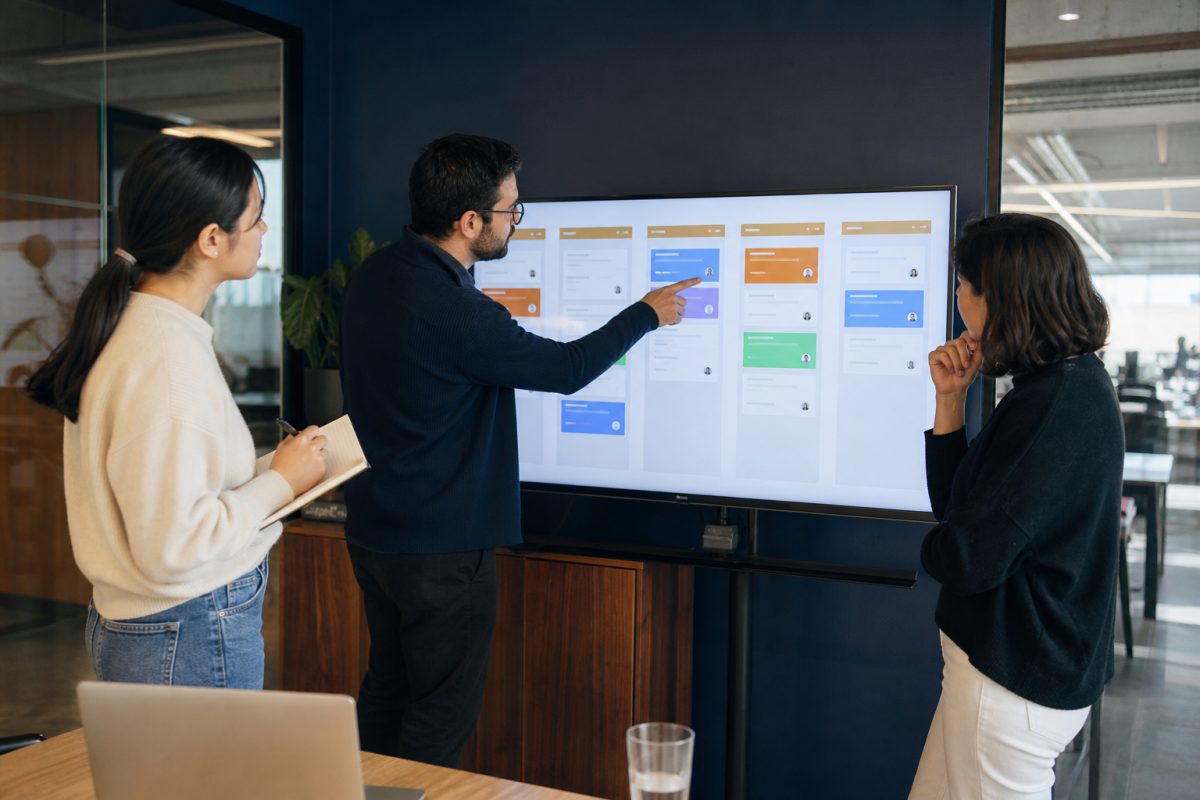
Scenario 2: Three people align the sprint by looking at the same board, not a message thread.
Minitaseas stands on three key strengths. First, the mental model is already familiar: Kanban. There's almost no training required. Second, the Google login process is quick and easy. Third, it's part of the Presticorp ecosystem: if you already use EmiteDocs, CrearPlantillas, or TuRSVP, this tool covers your daily organization needs, not just another white-label silo.
It also doesn't compete with you for notifications. A good tool respects your focus: you open the dashboard when you choose, not when the app shouts at you. That silence is part of the design, not an oversight.
In the first month, you don't need a marketplace of power-ups or 40-page reports. Those extras come later, once the habit is established. Starting with the dashboard is the right strategic decision: usability first, complexity later—if at all .
For a business, that translates to less abandonment. "Fully packaged" tools get paid for and then abandoned. Good tools get opened on Monday. Minitasks is designed for the latter.
Go to minitareas.presticorp.com , log in with Google or your username and password, and create your first board with three columns. Move five real tasks, not sample ones. If after a day the board reflects your work, the tool has done its job.
If you're leading a team, don't launch it with a manual. Launch it with a live project board and one rule: no "we'll talk about it" without a card. In a week, you'll know if the board has become the place of truth. That's more honest than any demo.
Minitasks won't do the work for you. It will make the work you already have visible. For freelancers, small teams, and operations that thrive on pending tasks, that visibility is the difference between running in circles and making progress. That's why it's a great tool: it's quick to get started, easy to understand, and actually useful. Open it, set up your board, and let the columns do the talking for your day.
If this article on "Minitasks: Personal Boards to Organize Work Without Disturbance" has piqued your interest, the next logical step is "The Importance of CRM Integration on Your Website to Scale Your Sales" and "EmiteDocs: Generate Hundreds of PDF Certificates and Diplomas in Minutes." At TuRSVP, we've summarized it all in "Everything You Can Do in TuRSVP: Invitations, RSVPs, and Keepsakes All in One Place."
Enviando comentario…
 EmiteDocs
Constancias, diplomas, oficios y contratos en lote.
EmiteDocs
Constancias, diplomas, oficios y contratos en lote.
 CrearPlantillas
Editor visual de anuncios, plantillas y collage.
CrearPlantillas
Editor visual de anuncios, plantillas y collage.
 TuRSVP
Invitaciones digitales con RSVP para eventos.
TuRSVP
Invitaciones digitales con RSVP para eventos.
 Minitareas
Tableros personales para organizar el trabajo.
Minitareas
Tableros personales para organizar el trabajo.
 Cotización de páginas web
Arma tu sitio por módulos y cotiza en MXN.
Cotización de páginas web
Arma tu sitio por módulos y cotiza en MXN.
 Convertidor de formatos
Convierte Excel, Word, PDF, imágenes y más, gratis y sin registro.
Convertidor de formatos
Convierte Excel, Word, PDF, imágenes y más, gratis y sin registro.
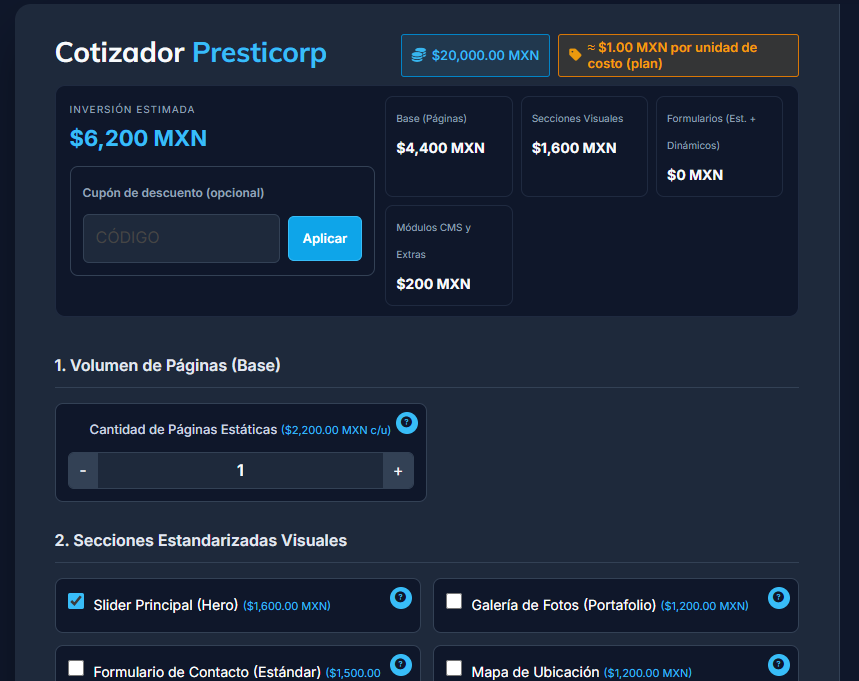


Si tu proyecto requiere una solución más enfocada, entra directo a la landing ideal para tu negocio y envíanos tu información en el formulario correspondiente.










0 Comentarios