







WordPress 7.1.1 cierra Click2Shell: un enlace malicioso puede instalar un tema solo con que el admin lo abra
If you run a WordPress site —and that includes thousands of small businesses with a blog, store, or landing page— there is a golden rule almost nobody follows 100% of the time: do not open odd links while logged in as an administrator. On 17 September 2026 WordPress shipped 7.1.1, a maintenance and security release with 11 security fixes, and one of them gives that risk a name: Click2Shell.
In plain language: a specially crafted link into the themes screen can make an already logged-in administrator’s browser install and preview a real theme from the WordPress.org directory without pressing Install. The theme stays inactive (the public look of the site does not change), and so far there are no signs of mass exploitation in the wild. Still, WordPress recommends updating immediately —and they are right—.

What Click2Shell is (without attack how-tos)
Researchers at pwn.ai (Paulos Yibelo) reported the issue responsibly. The Hacker News and Patchstack covered it on 18 September: two parts of the admin UI read the same link value differently. The WordPress.org catalog “cleans” the theme name; the administrator’s JavaScript reuses the original text inside a page selector. That mismatch is enough for the panel’s own script to press Install using the admin session (permissions and security token included).
WordPress’s official note puts it carefully: “Specially crafted URLs can automatically install and preview an inactive theme from WordPress.org.” That is the core point: the attacker does not need an account on your site; they need an administrator to open the link while logged in.

Why you hear about a “chain” and two severity scores
It helps to keep two ideas apart, because headlines often blur them:
- The core bug alone (installing an official theme without a click): researchers scored it around CVSS 7.1 —on the 0-to-10 scale security teams use, that is “high,” not the maximum—.
- The full chain to running code on the server: they estimated about 9.6 (“critical”), but it needs a second flaw in the installed theme (for example, a handler that downloads a ZIP without checking permissions). The core bug by itself does not accept an arbitrary attacker ZIP.
For business owners: the everyday risk is a “ghost” theme if someone tricks your admin; the extreme risk (malicious code on the server) needs a vulnerable theme and more steps. Updating WordPress closes the demonstrated door regardless of which themes you run.

What else WordPress 7.1.1 includes
According to the official WordPress.org announcement (Aaron Jorbin, 17–18 Sep 2026), 7.1.1 includes:
- 11 security fixes (Click2Shell is one of them).
- 17 bug fixes in Core.
- 19 bug fixes in the Block Editor.
It is a short-cycle release: the next major version planned is 7.2 (around December). Security fixes are being backported to supported branches —today, as a courtesy, through 4.7— though WordPress reminds you that only the most recent version is actively supported. If your host runs automatic background updates, the process should start on its own; otherwise go to Dashboard → Updates → Update Now.
What to do today if your business runs on WordPress

- Update to 7.1.1 (or the security backport for your branch) as soon as you can.
- Do not open suspicious links while logged in as an administrator: use another window or log out first.
- Check whether you use DISALLOW_FILE_MODS or another policy that limits installing themes/plugins from the panel (useful in hardened setups; it does not replace the patch).
- Keep themes and plugins current: the researchers’ chain to malicious code depended on a theme with a second flaw.
- If your team runs several sites, prioritize those not yet on 7.1.1 and confirm status in the updates list.
Patchstack tells customers the same thing: update immediately. There is no official workaround besides the patch; the practical defense is updating plus admin hygiene.
Why this matters for SMBs (not only “hackers”)
WordPress still powers a huge share of the web. A services site, a small shop, or a brand blog often share the same pattern: a couple of admin accounts, an inbox full of links, and hurry. Click2Shell does not invent phishing; it shows that, on versions before the patch, opening the right (or wrong) link was enough for the panel itself to install a theme from the official catalog.
There were no public reports of mass Click2Shell exploitation at disclosure —unlike some historical flaws listed by agencies—. That is not permission to wait: security patches ship so you get ahead, not so you wait for the first incident in your industry.
Sources
- WordPress.org — 7.1.1 Maintenance and Security Release (17–18 Sep 2026)
- The Hacker News — Click2Shell forces theme installs, can chain to code execution (18 Sep 2026)
- Patchstack — Click2Shell: The RCE WordPress 7.1.1 Just Patched (18 Sep 2026)
If your SMB needs a clear, updatable site with solid admin practices, check Presticorp for SMBs: design and hosting so you focus on the business… and the CMS stays current.
Deja un comentario
Enviando comentario…
Herramientas
 EmiteDocs
Diplomas en lote: 3/semana gratis, hasta 1000 por $500. Contratos: desde $199, hasta 100.
EmiteDocs
Diplomas en lote: 3/semana gratis, hasta 1000 por $500. Contratos: desde $199, hasta 100.
 CrearPlantillas
Editor visual. 2 gratis/mes, 5/semana con cuenta, o 20 descargas por $69 MXN.
CrearPlantillas
Editor visual. 2 gratis/mes, 5/semana con cuenta, o 20 descargas por $69 MXN.
 TuRSVP
Invitaciones con RSVP. Desde $299 MXN, pago único.
TuRSVP
Invitaciones con RSVP. Desde $299 MXN, pago único.
 Minitareas
Tableros con Google. Libre: 1 tablero. Pro: $249 MXN al mes.
Minitareas
Tableros con Google. Libre: 1 tablero. Pro: $249 MXN al mes.
 Cotización de páginas web
Arma tu sitio por módulos y cotiza en MXN. Usarlo no tiene costo.
Cotización de páginas web
Arma tu sitio por módulos y cotiza en MXN. Usarlo no tiene costo.
 Convertidor de formatos
Convierte Excel, Word, PDF e imágenes. $150 MXN al mes, hasta 200.
Convertidor de formatos
Convierte Excel, Word, PDF e imágenes. $150 MXN al mes, hasta 200.
 Monitor Global
Clima, sismos, huracanes y tsunamis. Consulta gratis.
Monitor Global
Clima, sismos, huracanes y tsunamis. Consulta gratis.
 Promo a la vista
Catálogo gratis. Resumen gratis o desde $200/mes. Comida destacada: $500/mes.
Promo a la vista
Catálogo gratis. Resumen gratis o desde $200/mes. Comida destacada: $500/mes.
 Ravicom
Restaurantes y platillos. Buscar y registrar es gratis.
Ravicom
Restaurantes y platillos. Buscar y registrar es gratis.
Articulos recomendados


30-09-2026 5:48:39
Landing pages especializadas
¿Proyecto totalmente personalizado? Contáctanos.
Si tu proyecto requiere una solución más enfocada, entra directo a la landing ideal para tu negocio y envíanos tu información en el formulario correspondiente.
Startups
MVP, validación de idea, producto digital y escalabilidad.
Pymes
Marketing digital, captación de clientes y crecimiento comercial.
E-commerce
Tiendas en línea, catálogo, checkout y ventas automatizadas.
Soluciones empresariales
Sitios corporativos, automatización y soluciones digitales a medida.
Promo a la vista
Promociones más recientes
Ofertas vigentes del catálogo, de la más nueva a la más antigua.
Ver promociones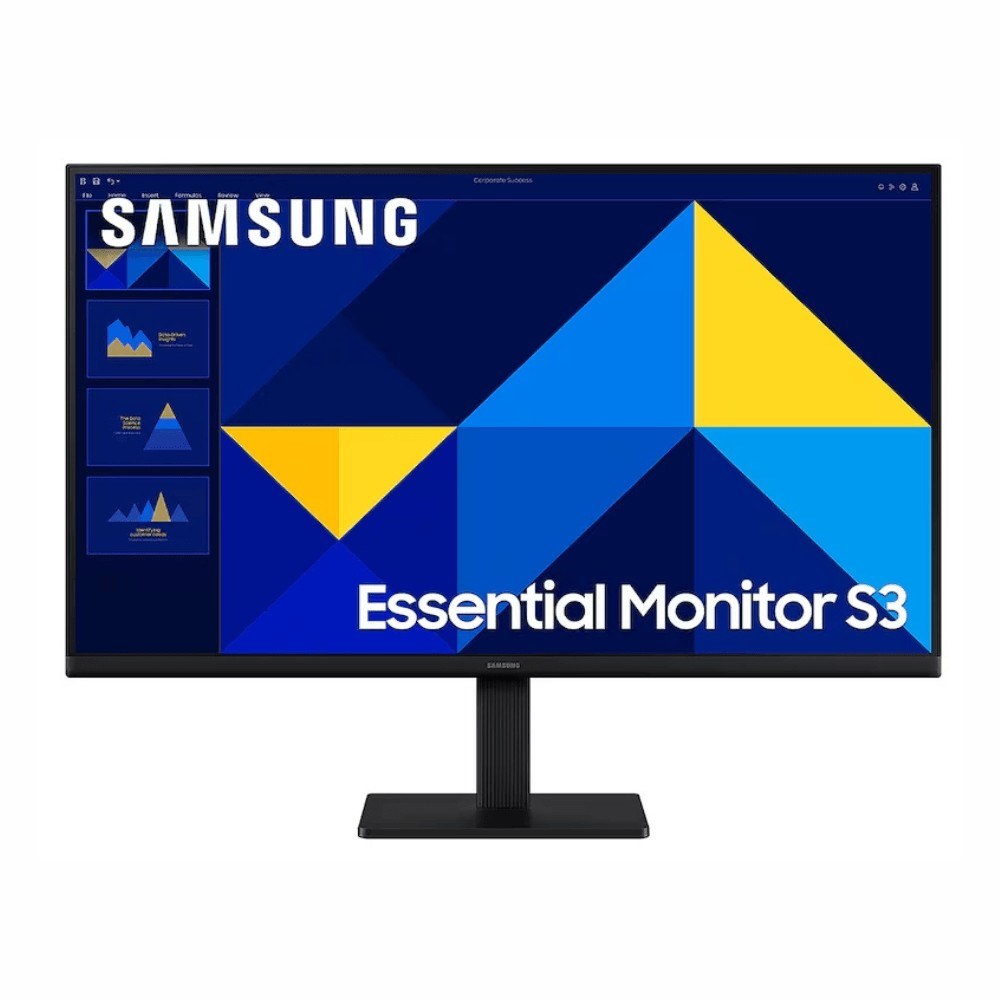 Monitor Samsung Essential S3 27" FHD 100 Hz
Monitor plano Samsung Essential S3 27" LED FHD 1920x1080 100 Hz negro (LS27D300GALXZX)
Monitor Samsung Essential S3 27" FHD 100 Hz
Monitor plano Samsung Essential S3 27" LED FHD 1920x1080 100 Hz negro (LS27D300GALXZX)
 iPad Mini A17 Pro 512GB WiFi+Cellular Gris (−$1,774)
Apple iPad Mini A17 Pro 8.3", 512GB, WiFi + Cellular, Gris Espacial (7ª gen)
iPad Mini A17 Pro 512GB WiFi+Cellular Gris (−$1,774)
Apple iPad Mini A17 Pro 8.3", 512GB, WiFi + Cellular, Gris Espacial (7ª gen)
 Cupón Steam: Far Cry 6 $119.90 (−90%, hasta ~8 oct 2026)
Far Cry 6 Standard Edition (juego digital) en oferta en Steam México
Cupón Steam: Far Cry 6 $119.90 (−90%, hasta ~8 oct 2026)
Far Cry 6 Standard Edition (juego digital) en oferta en Steam México
 Red Dead Redemption 2 (PC Steam digital)
Juego Red Dead Redemption 2 para PC (código digital Steam)
Red Dead Redemption 2 (PC Steam digital)
Juego Red Dead Redemption 2 para PC (código digital Steam)











0 Comentarios