






The premium collage tool isn't a memory clipper. It's an ad variant generator: upload 2 to 8 photos, add a title or price if you want, and get 30 ready-to-review proposals that you can then edit and export to Meta, Instagram, or WhatsApp.
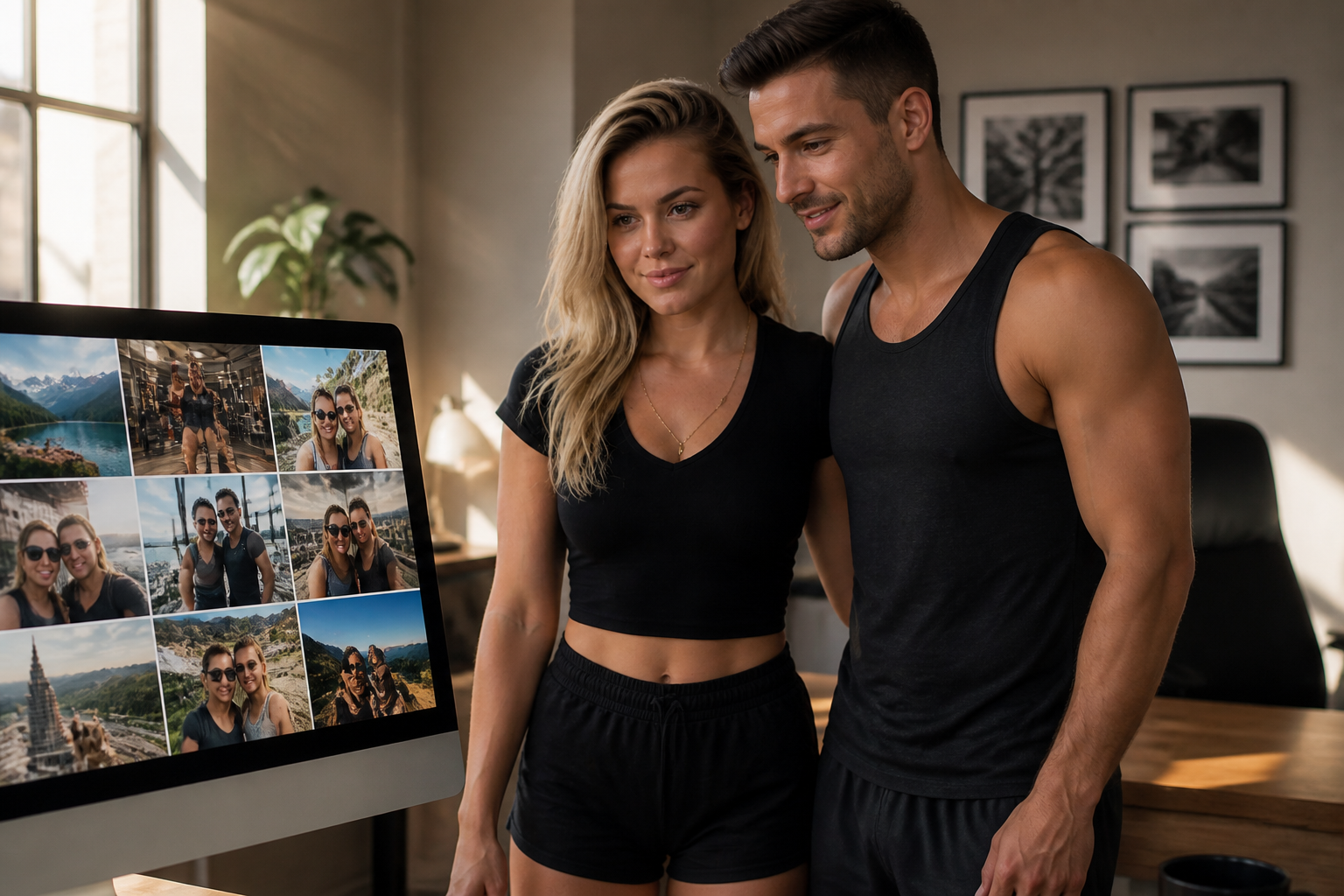
From loose photos to a ready-made design: the premium collage organizes memories and product into a layout that can actually be published.
A single image captures a moment. A collage tells a story. In ads for gyms, restaurants, clinics, or stores, customers need to see variety and proof : the before and after, the product in use, the equipment, the ambiance. Fitting all of that into a feed or a portrait without it looking cropped is the most time-consuming task for business owners and community managers.
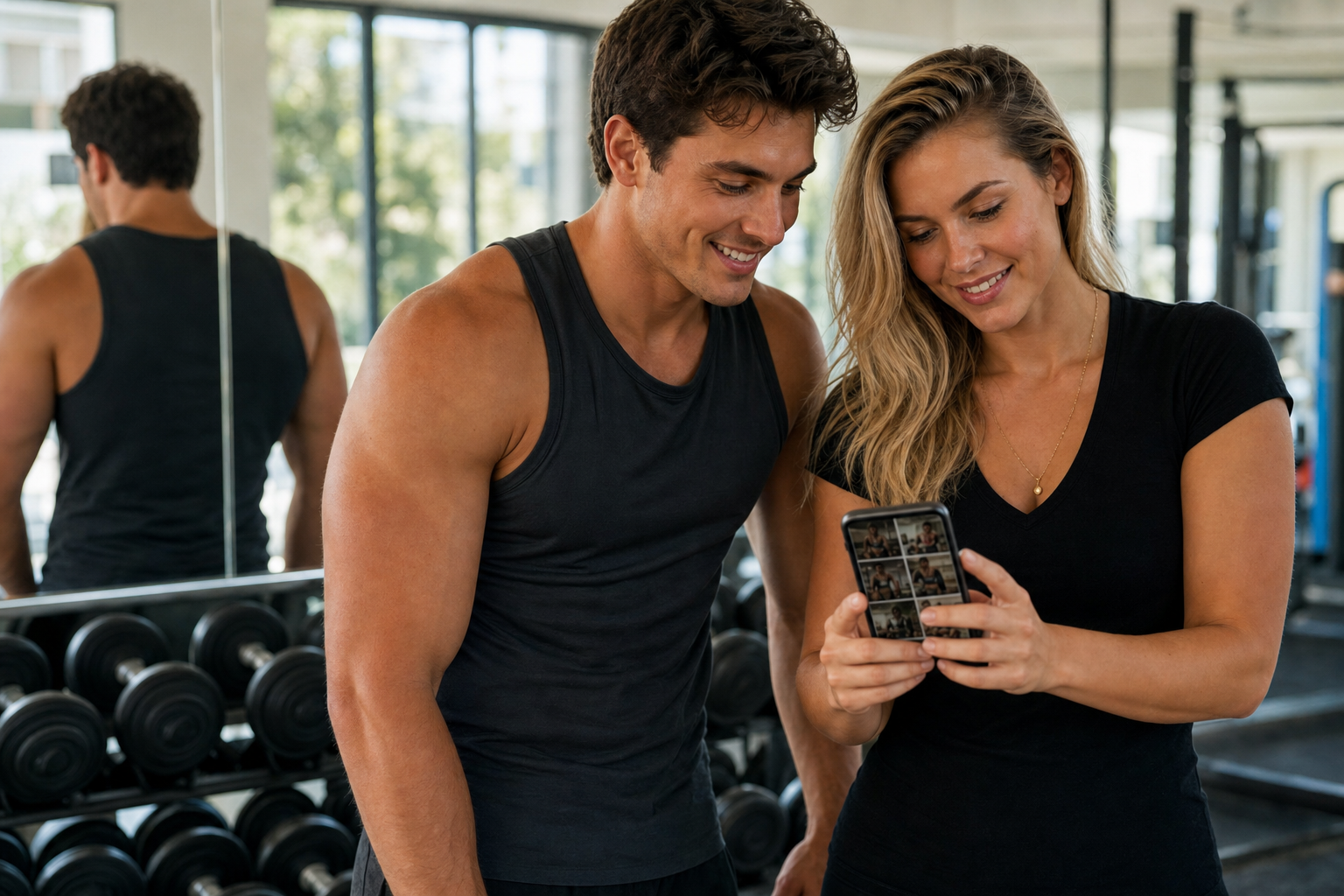
In the gym, several shots of the space and the equipment become a single piece of capture.
Canva and memory apps are great for a personal album. The problem arises when that same piece needs to function as an ad: illegible typography, margins that Instagram covers, a CTA that looks like an app button rather than a campaign tag, or a layout that can't be edited afterward. CrearPlantillas comes from the opposite approach: collages designed for publishing , with Meta formats, and the ability to transfer them to the visual editor to refine branding, pricing, and call to action.
That matters if you publish every week. You don't want "a pretty banner." You want a system to turn your phone's photo reel into consistent pieces, with the same hierarchy: big promise, short benefit, clear action.
At crearplantillas.presticorp.com, the collage feature is a separate workflow from the template catalog. You don't start with a pre-designed ad; you start with your own photos . The system suggests dozens of layouts—grids, overlays, color accents, editorial headlines—and you choose the one that best tells your story.
The result is not a flat, untouchable JPG. You can:
The preview and sharing features are designed to let you validate with your partner, team, or client before committing to an export. Less back and forth, fewer credits wasted on a version no one approved.

The digital collage organizes what on the table looks like a pile of memories: product, partner, gym or local, into a single piece.
The premium collage option is ideal when you already have visual material but lack a layout. Real-world examples we see with Presticorp clients:
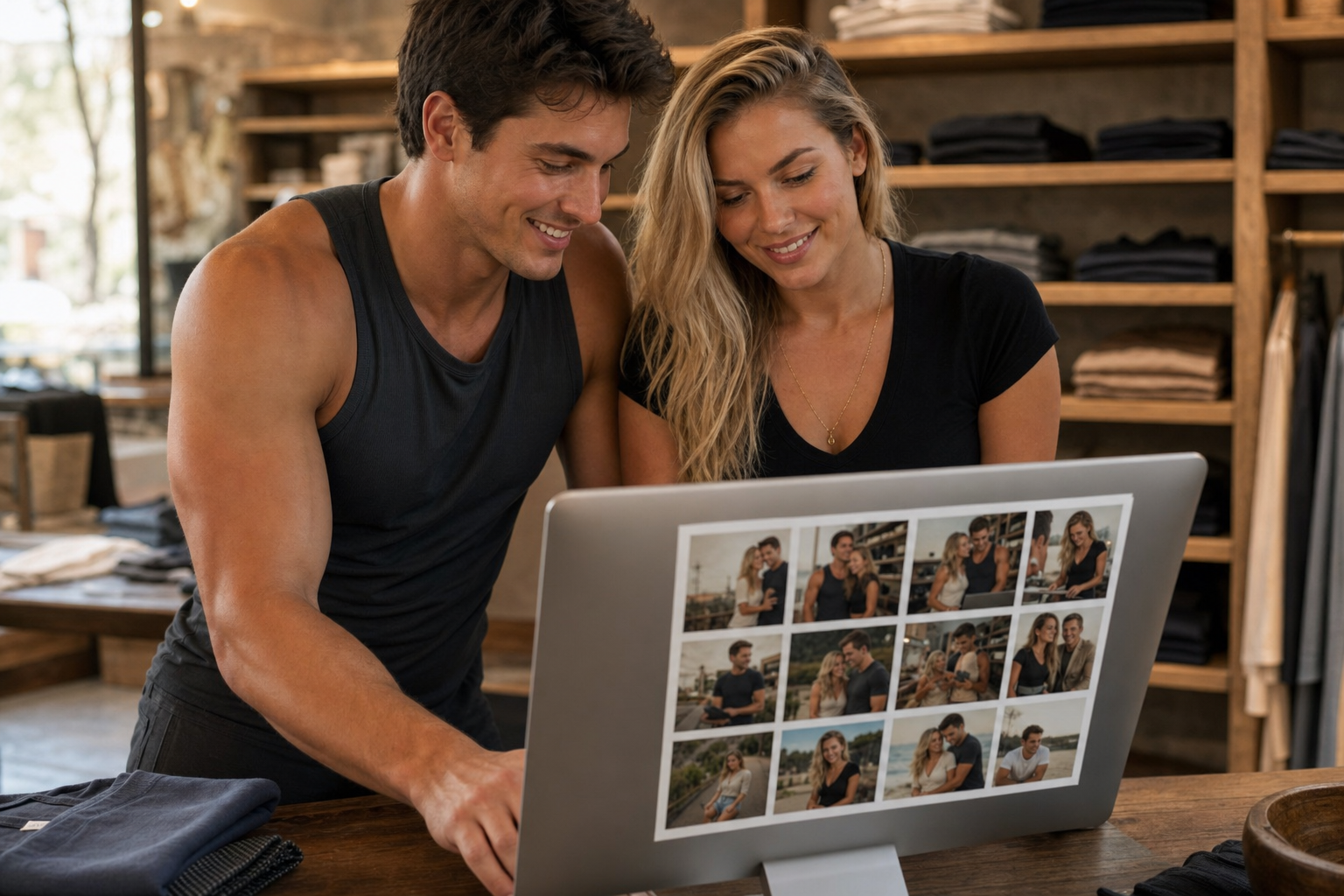
In store or catalog, several shots of the same product and of the couple fit into a single layout ready for advertising.
This isn't the way to go if you need vector illustrations, branding from scratch, or a video. For that, there's still a studio. Here, the goal is speed in sales : from your phone's gallery to a file that can actually be advertised.

A restaurant or venue also starts with real photos: dishes, atmosphere and couple in a single proposal.
1. Go to CrearPlantillas and start your collage. You can try it as a guest; the free account increases your weekly limit.
2. Upload 2 to 8 photos. Choose shots with good lighting and a clear subject. Mixing a portrait, a detail shot, and a shot of the location usually works better than eight identical selfies.
3. Add copy if you have it: title, a benefit line, price, or CTA. If you don't have it yet, generate it first and refine it in the editor.
4. Review all 30 proposals. Don't settle for the first one. Look for the one that allows you to read the headline in two seconds and doesn't obscure important faces.
5. Use the editor or export. In the editor, you adjust the branding, typography, and any photo that wasn't quite right. Then download and post it to your Feed, Story, or WhatsApp Business.
That cycle replaces the afternoon wasted cropping on your phone and exporting at the wrong time. The collage proposes; you decide and finalize.
A generic square collage breaks down in Stories: Instagram covers the bottom with music and native buttons, and the top is cluttered with the account name. CrearPlantillas works with real presets—Feed, Portrait 4:5, Story—so that the vital copy stays in a safe zone and the photos bleed to the edge. The background can span the entire width; the text cannot.
If the same campaign is running on Google Display or in an A4 menu, don't force a vertical collage. Use the correct preset or take the ad to the editor and resize it in your project copy, without altering a master catalog template.
An amateur collage is instantly recognizable: opaque panels half-open, a glossy app button, a small headline, and a box that eats up the photo. CrearPlantillas' premium collage aims for the opposite: a prominent photo, smooth gradients, editorial typography, and a flat CTA, like an ad label, not an app control.
Three practical rules when choosing a variant:
If you also need the same look in an ad without a collage, CrearPlantillas' template catalog shares that visual logic. A collage is the shortcut when the material consists of photos, not a rigid copy brief.
Designing and exploring variations shouldn't be intimidating. At CrearPlantillas, editing and previewing collages are designed so you can compare layouts without downloading too many files. Exporting the final file is part of the product's freemium model: there's a weekly trial period and a one-time payment option when you're ready to commit, without a monthly subscription.
This approach is suitable for campaigns with peak periods—openings, Hot Sale, seasonal events, menu launches—and for those who don't want to pay monthly during slower months. You buy download capacity, publish, and you're done.
CrearPlantillas works seamlessly with EmiteDocs (batch PDF) and TuRSVP (RSVP invitations). A simple example: you promote the event with a collage, confirm guests in TuRSVP, and issue certificates in EmiteDocs. Three different pain points, one same ecosystem.
If you want the complete overview of the editor—templates by industry, layers, presets, and export package—see the article CrearPlantillas: Visual Editor for Ads, Templates, and Premium Collages . This text focuses on what's most in demand today: transforming a roll of photos into a piece that can actually be advertised .
Don't wait for the perfect studio shoot. Choose eight honest shots, open the collage, and create. Keep two or three variations, refine the headline in the editor, and publish the one that reads fastest. Repeat tomorrow with other photos. That consistency—not the single "perfect" file—is what drives a business on social media.

The travel footage also serves as an advertisement: memories on the terrace, ready for Story or Feed.
The gym girl and her partner don't need a full-time designer to tell their story. They need a workflow that respects their photos, offers professional layouts, and delivers an Instagram-ready file. That's CrearPlantillas' premium collage service.
Direct URL: https://crearplantillas.presticorp.com/
It is also in the Premium Tools section of Presticorp, along with EmiteDocs and TuRSVP.
If this article about "Premium Photo Collage: Turn Your Memories into Ads with CrearPlantillas" has piqued your interest, the next logical step is "CrearPlantillas: Visual Editor for Ads, Templates, and Premium Collages (One-Time Payment)" and "EmiteDocs: Generate Hundreds of PDF Certificates and Diplomas in Minutes." At TuRSVP, we've compiled this information under "Printable Paper Invitations: Physical Elegance and Templates at TuRSVP."
CrearPlantillas: Premium visual editor for ads, templates, and collages (one-time payment)

¿Tendra costo?
Hola Rodrigo. Sí: hay 5 descargas gratis por semana. El editor y las vistas previas no cobran. Cuando se acaba el cupo, el paquete es 20 descargas por $69 MXN (Mercado Pago o PayPal), sin suscripción mensual. Lo abres en crearplantillas.presticorp.com
Habra mas variaciones de collage en el futuro?, las que hay me gustan pero me gusta variar mucho
Hola Rodrigo. Qué bueno que te gusten. Hoy cada collage te arma 30 propuestas distintas (rejillas, superposiciones, acentos). Si quieres más variedad, cambia una o dos fotos o el texto y genera otra vez, o pasa la que más te convenza al editor y afinas a mano. Cuando sumemos layouts nuevos, van a aparecer ahí mismo en crearplantillas.presticorp.com
Enviando comentario…
 EmiteDocs
Diplomas en lote: 3/semana gratis, hasta 1000 por $500. Contratos: desde $199, hasta 100.
EmiteDocs
Diplomas en lote: 3/semana gratis, hasta 1000 por $500. Contratos: desde $199, hasta 100.
 CrearPlantillas
Editor visual. 2 gratis/mes, 5/semana con cuenta, o 20 descargas por $69 MXN.
CrearPlantillas
Editor visual. 2 gratis/mes, 5/semana con cuenta, o 20 descargas por $69 MXN.
 TuRSVP
Invitaciones con RSVP. Desde $299 MXN, pago único.
TuRSVP
Invitaciones con RSVP. Desde $299 MXN, pago único.
 Minitareas
Tableros con Google. Libre: 1 tablero. Pro: $249 MXN al mes.
Minitareas
Tableros con Google. Libre: 1 tablero. Pro: $249 MXN al mes.
 Cotización de páginas web
Arma tu sitio por módulos y cotiza en MXN. Usarlo no tiene costo.
Cotización de páginas web
Arma tu sitio por módulos y cotiza en MXN. Usarlo no tiene costo.
 Convertidor de formatos
Convierte Excel, Word, PDF e imágenes. $150 MXN al mes, hasta 200.
Convertidor de formatos
Convierte Excel, Word, PDF e imágenes. $150 MXN al mes, hasta 200.
 Monitor Global
Clima, sismos, huracanes y tsunamis. Consulta gratis.
Monitor Global
Clima, sismos, huracanes y tsunamis. Consulta gratis.
 Promo a la vista
Catálogo gratis. Resumen gratis o desde $200/mes. Comida destacada: $500/mes.
Promo a la vista
Catálogo gratis. Resumen gratis o desde $200/mes. Comida destacada: $500/mes.
 Ravicom
Restaurantes y platillos. Buscar y registrar es gratis.
Ravicom
Restaurantes y platillos. Buscar y registrar es gratis.

Si tu proyecto requiere una solución más enfocada, entra directo a la landing ideal para tu negocio y envíanos tu información en el formulario correspondiente.
Ofertas vigentes del catálogo, de la más nueva a la más antigua.
Ver promociones Smartwatch Xiaomi Watch S3 plata a $999 en Mixup (antes $1,999, −50%)
Reloj inteligente Xiaomi Watch S3 (modelo M2323W1) color plata, pantalla AMOLED de 1.43" y bisel intercambiable
Smartwatch Xiaomi Watch S3 plata a $999 en Mixup (antes $1,999, −50%)
Reloj inteligente Xiaomi Watch S3 (modelo M2323W1) color plata, pantalla AMOLED de 1.43" y bisel intercambiable
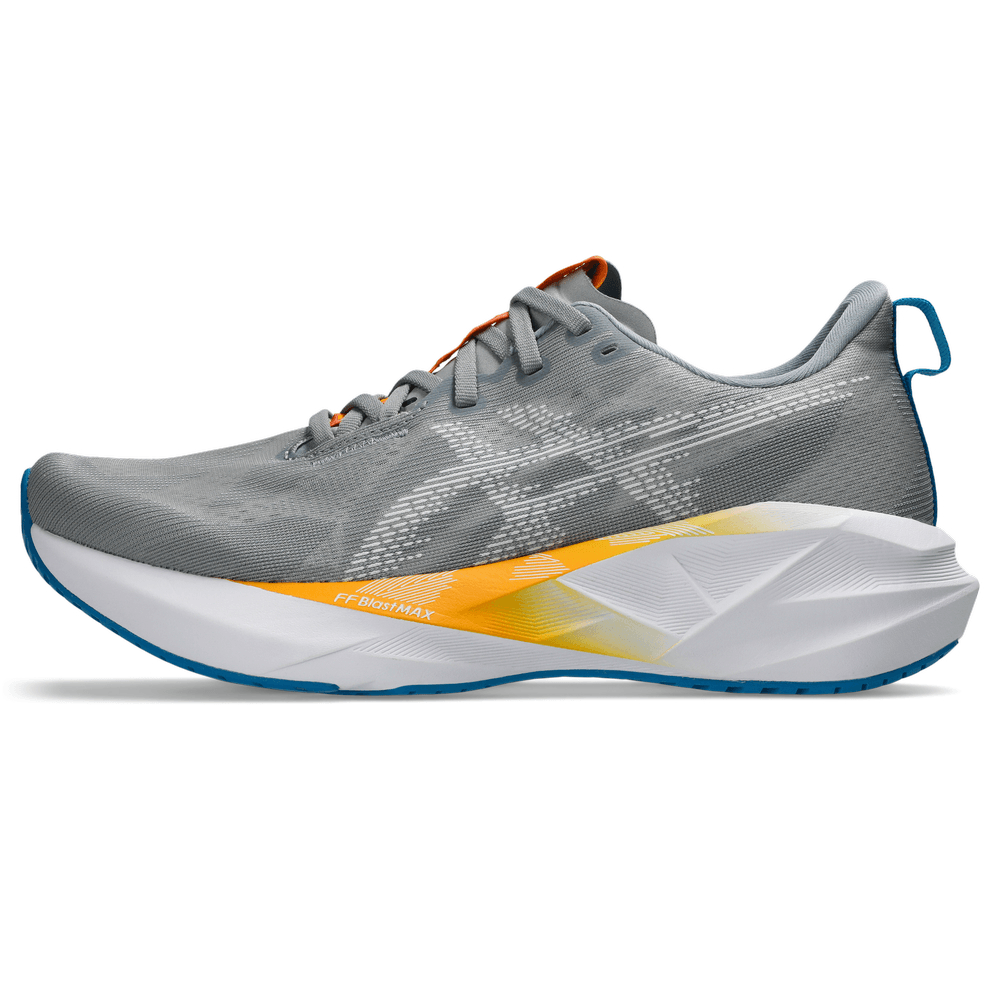 Tenis ASICS Novablast 5 hombre a $2,239.30 en ASICS México (antes $3,199, −30%)
Tenis de running ASICS Novablast 5 para hombre, color Gravel/White
Tenis ASICS Novablast 5 hombre a $2,239.30 en ASICS México (antes $3,199, −30%)
Tenis de running ASICS Novablast 5 para hombre, color Gravel/White
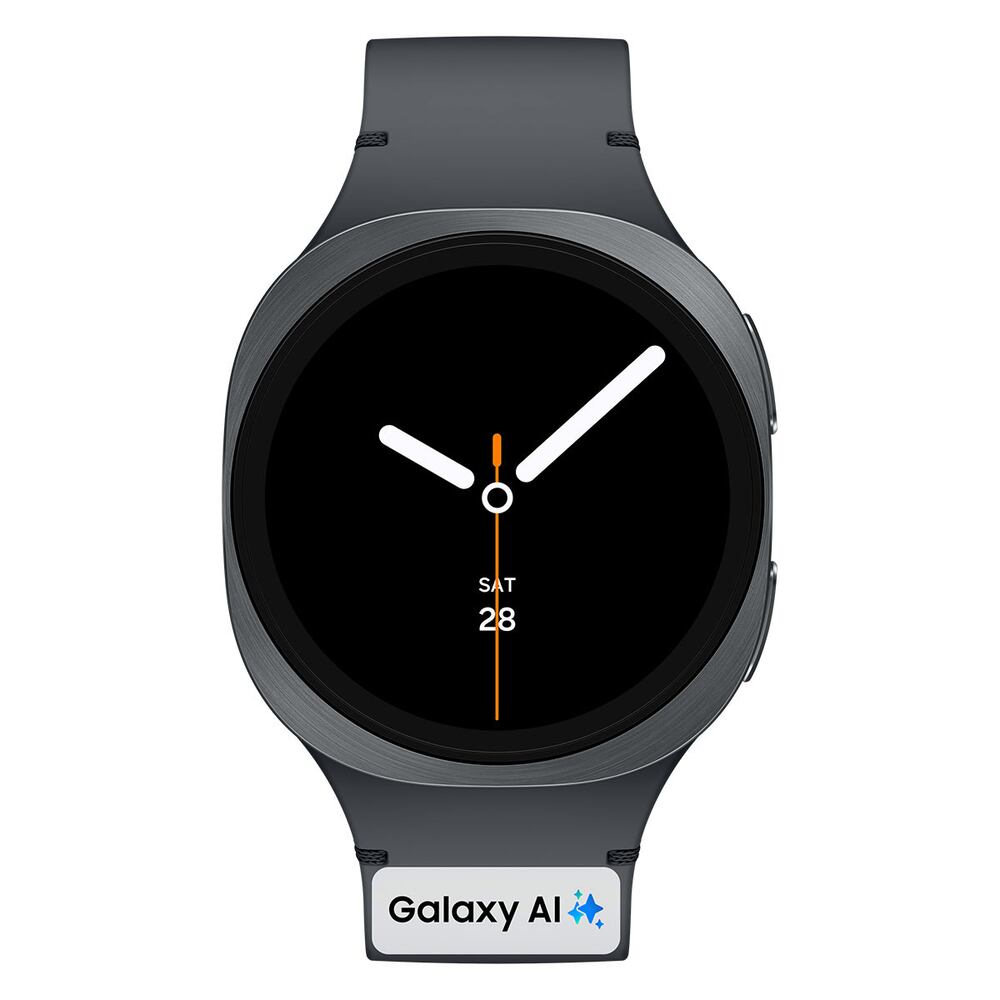 Smartwatch Samsung Galaxy Watch8 40mm gris con Gemini a $3,999 en Mixup (antes $6,499, −38%)
Smartwatch Samsung Galaxy Watch8 40 mm gris con Gemini integrado
Smartwatch Samsung Galaxy Watch8 40mm gris con Gemini a $3,999 en Mixup (antes $6,499, −38%)
Smartwatch Samsung Galaxy Watch8 40 mm gris con Gemini integrado
 Tenis The North Face Summit Vectiv Pro 3 a $3,493 en The North Face México (antes $4,990, −30%)
Tenis de trail running The North Face Summit Series VECTIV Pro 3 unisex, color Citrus Rust/Lava Red (NF0A8AEJKC0)
Tenis The North Face Summit Vectiv Pro 3 a $3,493 en The North Face México (antes $4,990, −30%)
Tenis de trail running The North Face Summit Series VECTIV Pro 3 unisex, color Citrus Rust/Lava Red (NF0A8AEJKC0)









4 Comentarios